

Design Studio
Place artwork on the product photo. Move, resize, stretch, and rotate it. Front, back, and sleeves stay available when the product has those sides.
Start DesigningPrint on demand for sellers
Create custom apparel, bring your designs to life, and let ROT handle production and fulfillment.
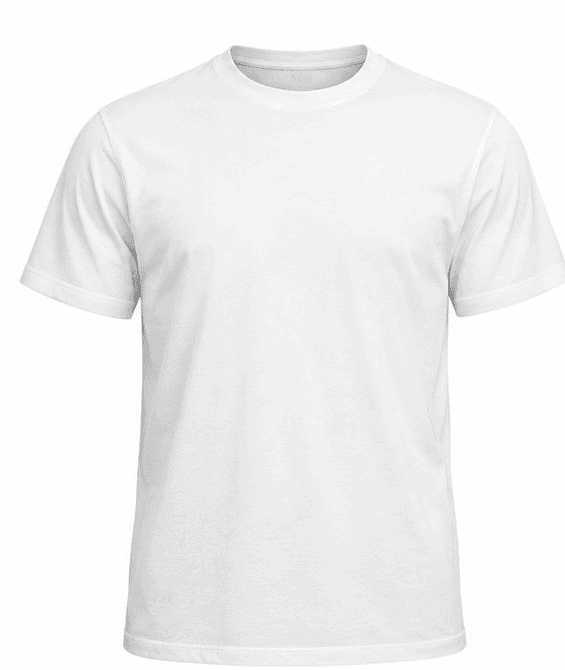
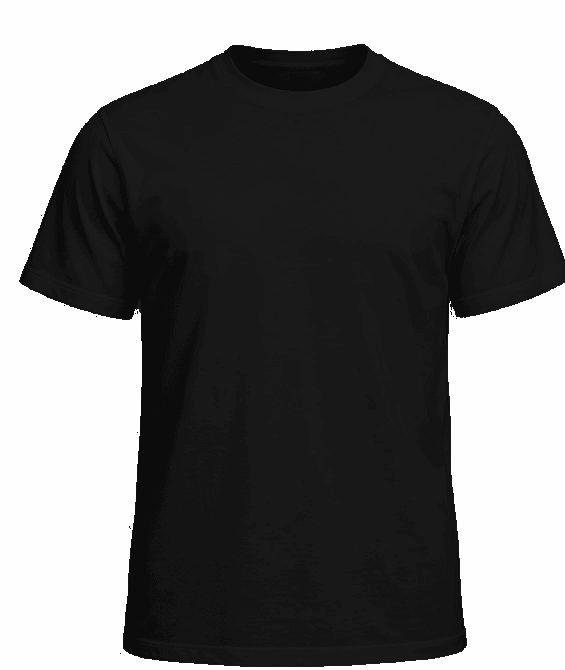
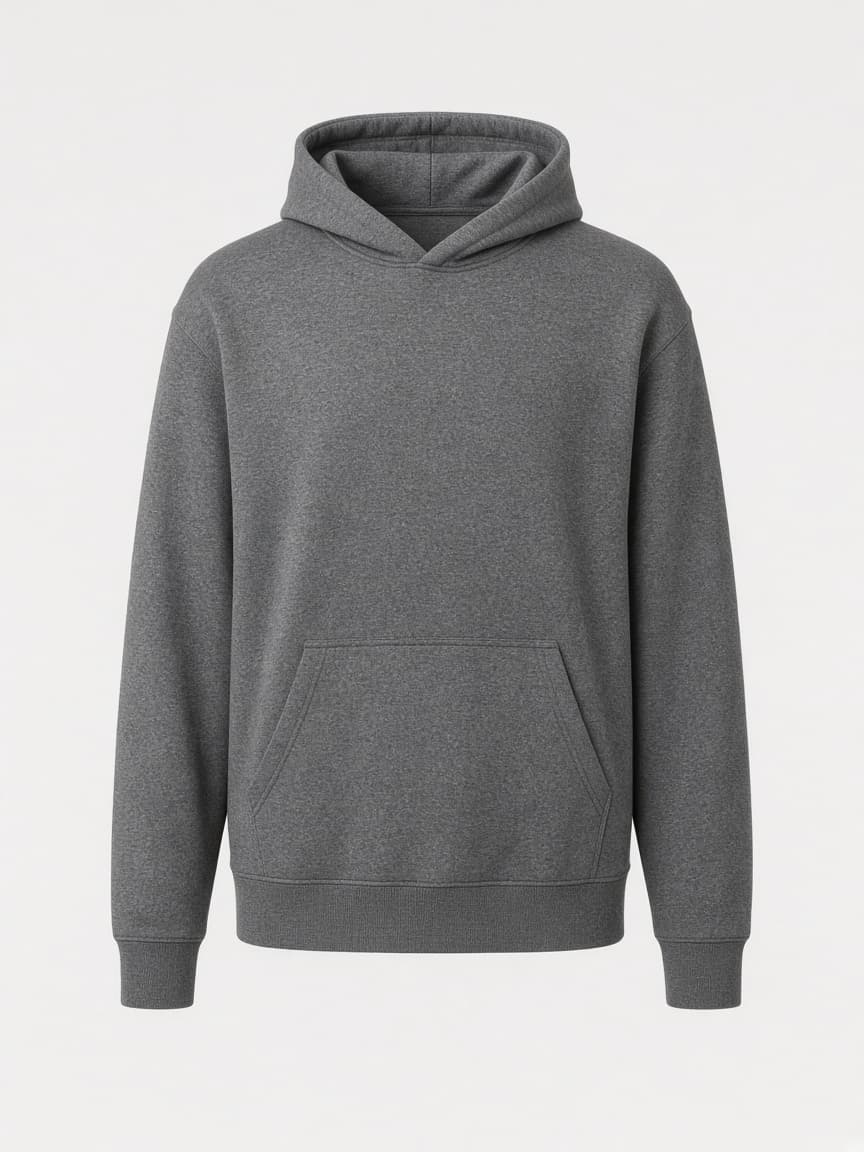
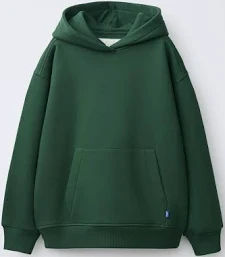
Categories come from active products.
Step 1
Choose a product
Browse the live catalog and open a blank that is actually in stock in ROT.
Step 2
Create your design
Upload artwork in Design Studio. Visitors can explore. Seller-owned designs are saved after sign-in.
Step 3
Publish your products
Create a listing and connect Shopify, Etsy, WooCommerce, or Amazon up to your plan's store limit.
Step 4
Receive orders
Orders come in from a connected channel or from a supported ROT checkout.
Step 5
Production and fulfillment
ROT routes the order to a warehouse. Operations tracks production and the shipment.
Place artwork on the product photo. Move, resize, stretch, and rotate it. Front, back, and sleeves stay available when the product has those sides.
Start DesigningReceived orders are routed to a warehouse. Operations manages the production queue and records the shipment.
Warehouse and fulfillmentSend a bulk quote with quantities, sizes, colors, artwork, and a delivery date. The request is saved for review. It is not charged and it does not become a production order.
Growth and Pro prices are published here. Paid checkout stays off until Stripe price ids are configured, so a new seller starts on Free.
$0.00
Design Studio
$29.00 / month
Design Studio
$49.00 / month
Design Studio
Yes. The catalog and Design Studio are public. Seller listings and the dashboard require a seller account.
Free is the plan a new seller receives. Growth and Pro checkout is waiting on Stripe price ids.
The request is stored for the team to review. You are not charged, and ROT does not create a production order from the form.
Create the account, land on your dashboard, and finish setup from there. The Free plan does not ask for a card.
Sign Up